My laptop skin's concept is about Japanese culture. I chose Japan to be my topic because I like Japan very much. ^u^
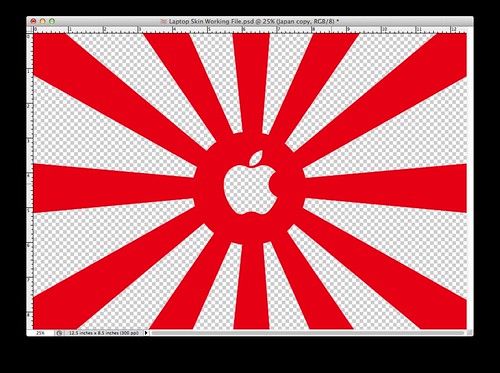
Start with the sun and Apple logo
This idea came from Japanese flag and I created a layer mask (Apple logo) on it.
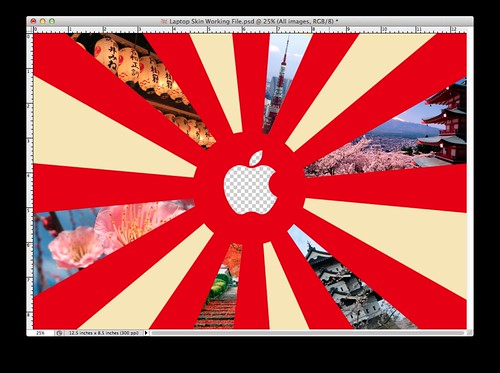
Add images and background color
I searched some Japanese landscape images online and I placed those images in my working file. Also I chose yellow to be the background color.
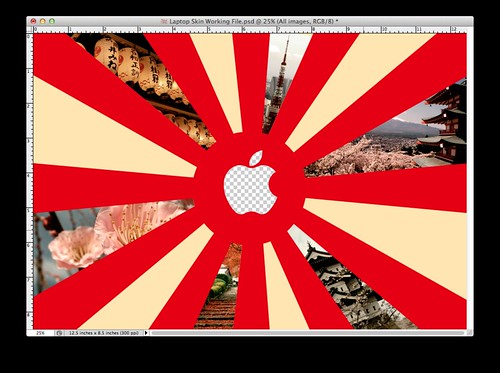
Change the color of images and add contrast
In this step, I used adjustment layers to change the images color (more yellow on images) and contrast because I want to create old style on those images.
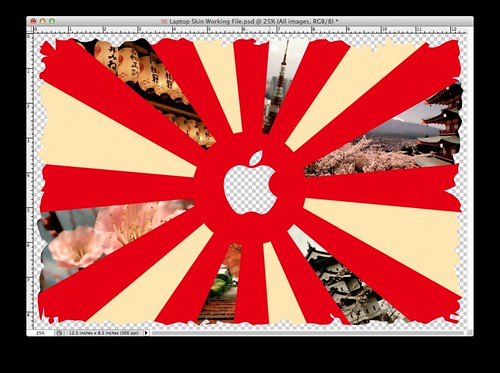
Created rough edge and add effects
I used pen tool to create the rough edge for the laptop skin and I added a blur effect on it.
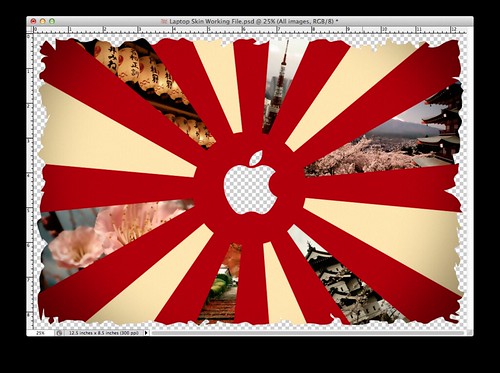
Add adjustments
In this stage, I adjusted the red and created a dark edge around it.
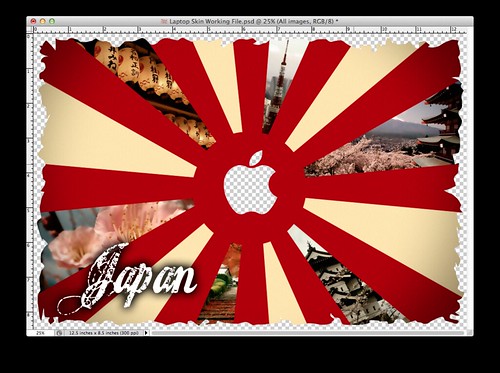
Add Text
Then, I added "Japan" using type tool and created some layer style around it.
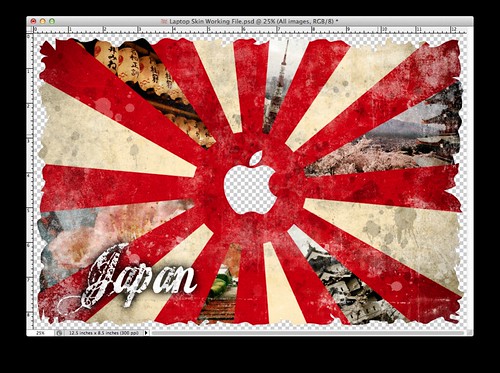
My Final Laptop Skin
Finally, I used several brushes to created those effected. This is my final laptop skin. ^u^

No comments:
Post a Comment